Good to see you.
Everything you need to manage WhatsApp communication.
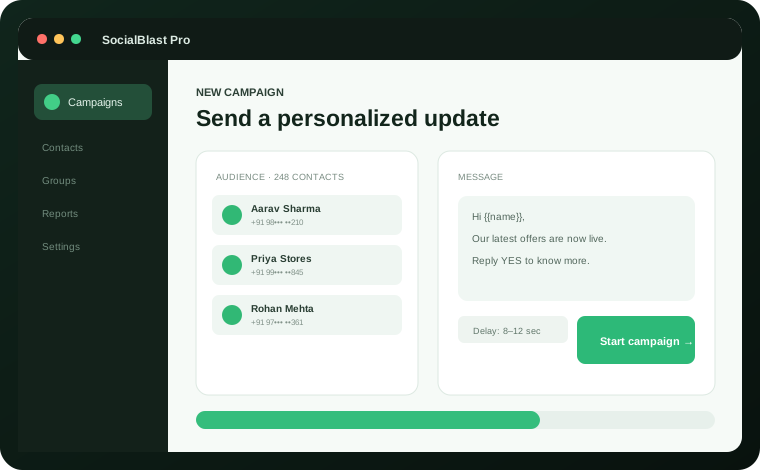
Plan campaigns, organize contacts, select groups and review delivery results—all from a clean, secure desktop application.
Everything you need to manage WhatsApp communication.
Begin with powerful WhatsApp workflows today. More social platforms are already on the product roadmap.
Contact campaigns, group selection, member exports and delivery reports.
Explore WhatsApp tools →Plan direct-message workflows and organize audience engagement from one inbox.
Manage page communication and community workflows with better visibility.
Bring creator comments and channel engagement into a focused workspace.
Organize publishing, replies and audience conversations without the clutter.
Coordinate channel and group communication with clear campaign controls.
SocialBlast Pro brings your most important WhatsApp workflows into one practical desktop workspace.
Import CSV contacts, personalize messages and review delivery results from one focused workspace.
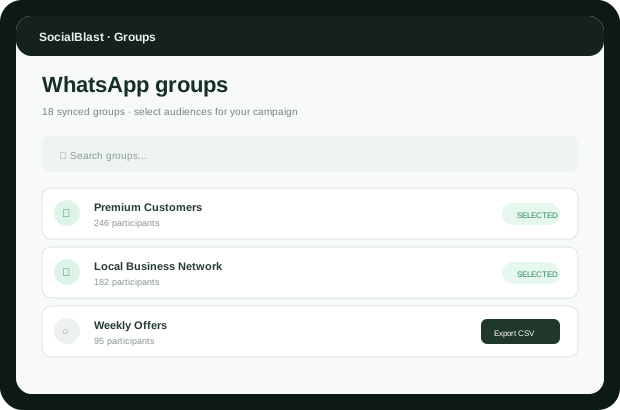
Learn more →Sync your WhatsApp groups, select the right audiences and send relevant updates with controlled delays.
Learn more →Export visible group participant records to CSV with a clear permission and privacy workflow.
Learn more →Secure desktop login with password hashing. Account data and sessions remain on your PC.
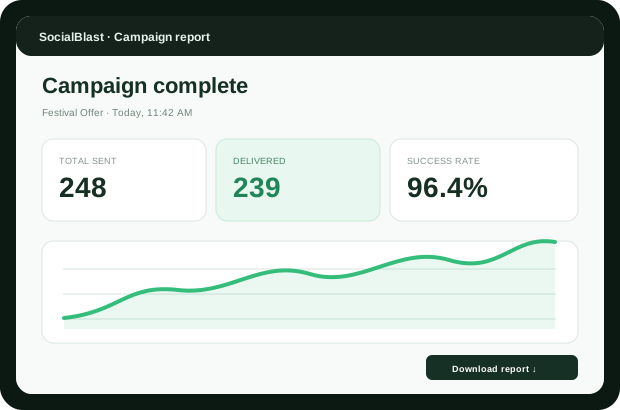
Learn more →Track sent and failed messages with a live activity log and downloadable reports.
Learn more →A clean Windows experience built for operators, agencies and growing local businesses.
Learn more →No complicated setup. Connect your existing WhatsApp account and keep day-to-day communication organized.
Start with SocialBlast Pro →Register securely inside the desktop app.
Scan the linked-device QR code once.
Import contacts or select relevant groups.
Use controlled delays and export your report.
One-time pricing. No monthly software subscription.
For solo professionals getting started.
For active businesses and agencies.
For teams managing multiple workflows.
Message only audiences who expect your communication. Respect group rules, privacy, consent and applicable platform policies.
No. It is a Windows desktop workspace. Account data and WhatsApp sessions are stored locally on your computer.
No software can guarantee that. Use relevant content, message only expected audiences and follow WhatsApp policies and group rules.
Yes. You can sync, search and select multiple groups, then send with a configurable delay.
You can export participant records visible to your connected account after confirming you have permission to use that data.
Usually no. The linked-device session is saved locally and restored on future launches.
Share your details and preferred plan. Our team will contact you for purchase and setup.
A focused Windows desktop workspace for contacts, groups and campaign reporting.
See plans and pricing →